Service Tracking
Made Simple
Replace clipboards with secure QR scans. Get trustworthy counts, privacy-first records, and insights that help you serve better.

Replace clipboards with secure QR scans. Get trustworthy counts, privacy-first records, and insights that help you serve better.
Paper logs are hard to read, easily lost, and impossible to search through efficiently.
Hours wasted tallying numbers by hand, leading to errors and delayed reports.
Sensitive information visible to everyone, with no way to control who sees what.
Without data, it's impossible to identify trends, allocate resources, or prove impact.
Built specifically for shelters, food banks, and service organizations that need reliable tracking without the complexity.
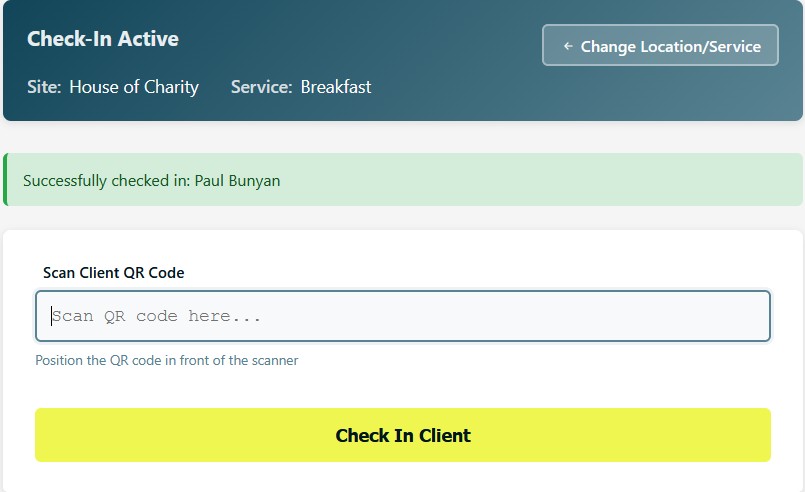
Simplify check-ins with secure QR scans at kiosk stations. Each guest receives a privacy-first QR card—no personal information visible, just a unique ID that staff scan in seconds.
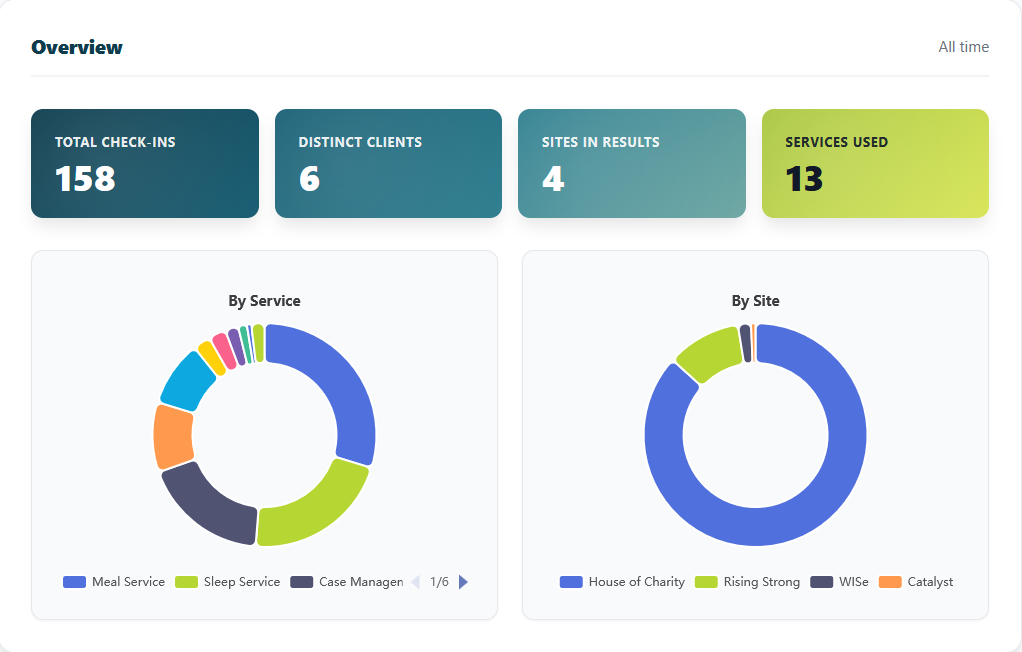
Generate reliable service counts instantly. Export reports by date range, service type, or location. Get the data you need for funders, compliance, and strategic planning.
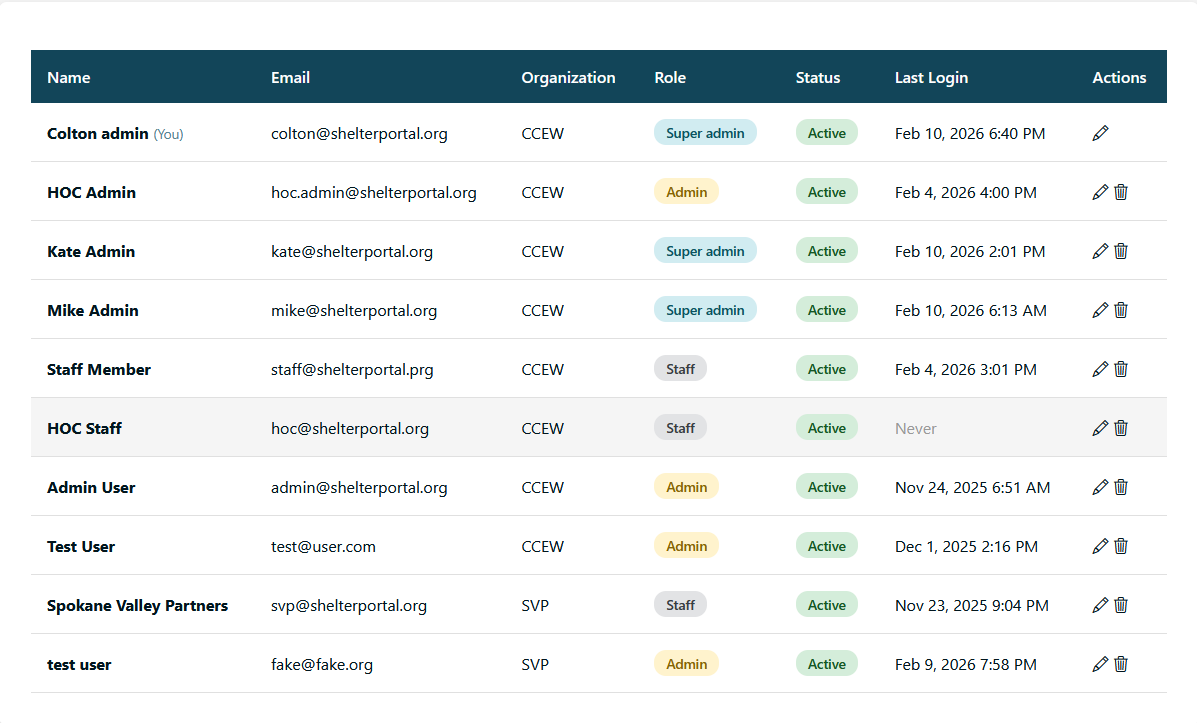
Maintain organized staff access with individual profiles. Track who performed what actions, when, and where—creating full accountability and audit trails.
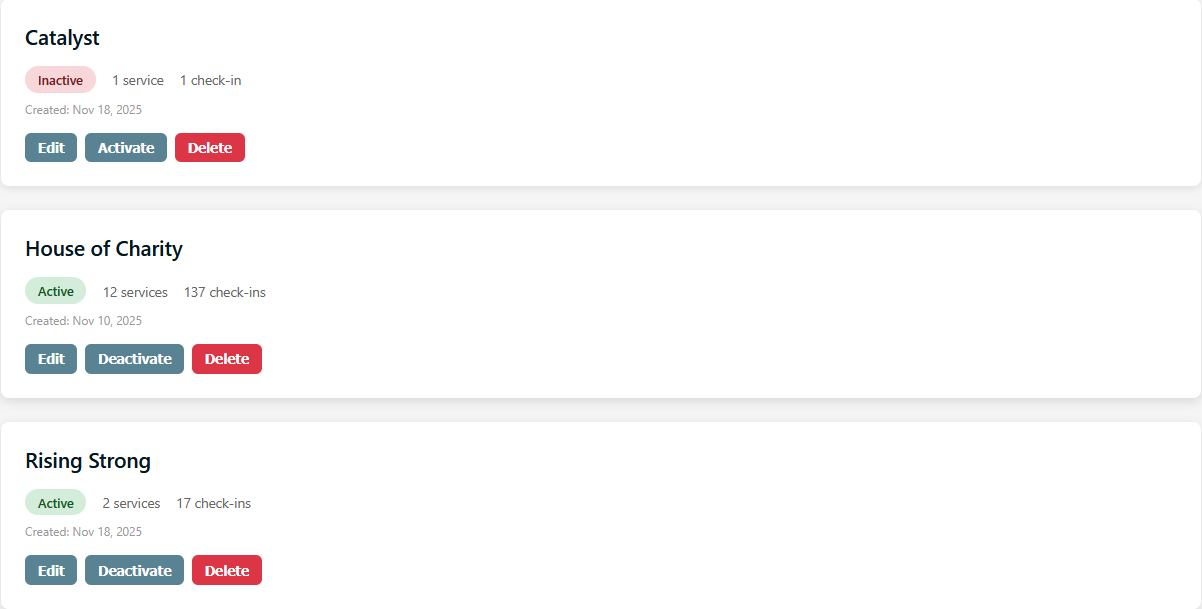
Operate across multiple sites seamlessly. Each location gets its own settings, kiosks, and reporting while central admins maintain oversight across all facilities.
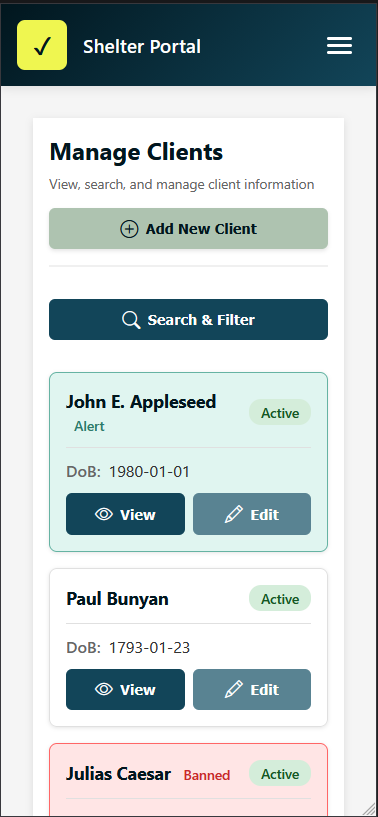
Works perfectly on any device. Manage operations from your office desktop, check reports on your tablet, or scan QR codes with a phone—all with the same seamless experience.
Get up and running in three simple steps
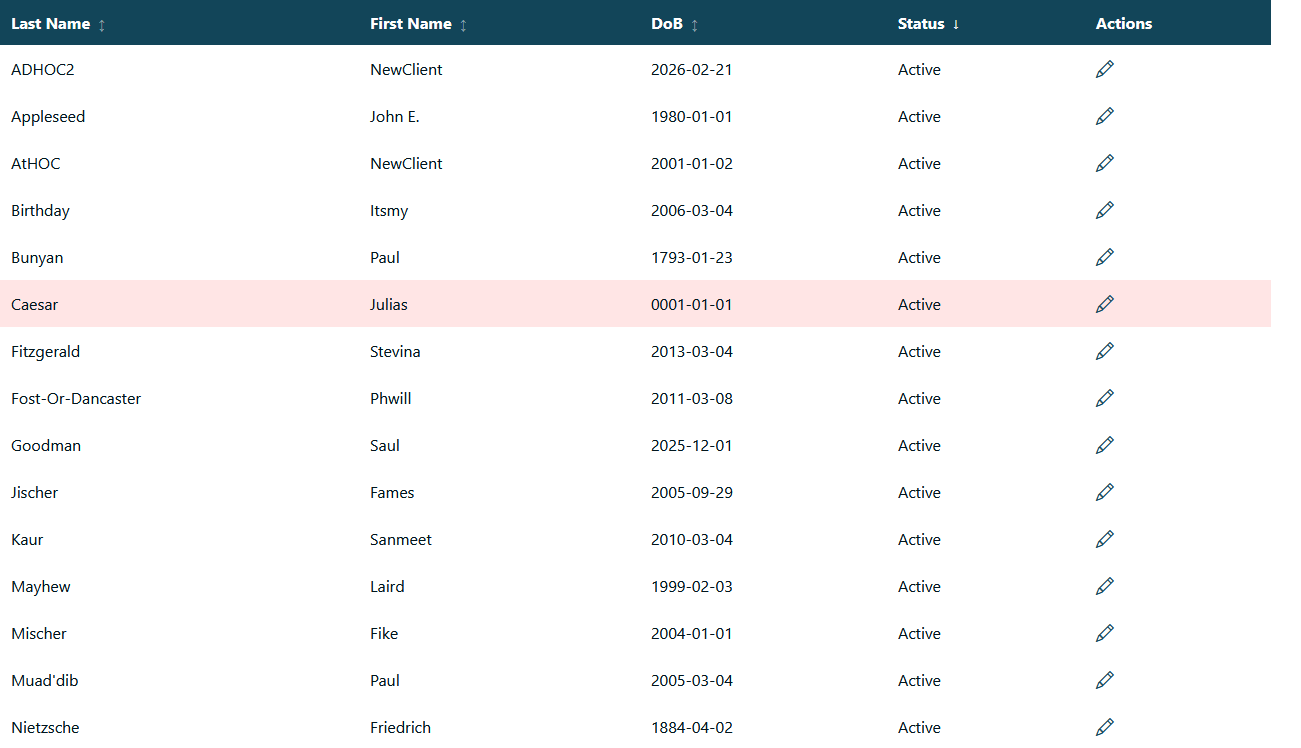
Create client profiles directly in ShelterPortal or import them from salesforce!
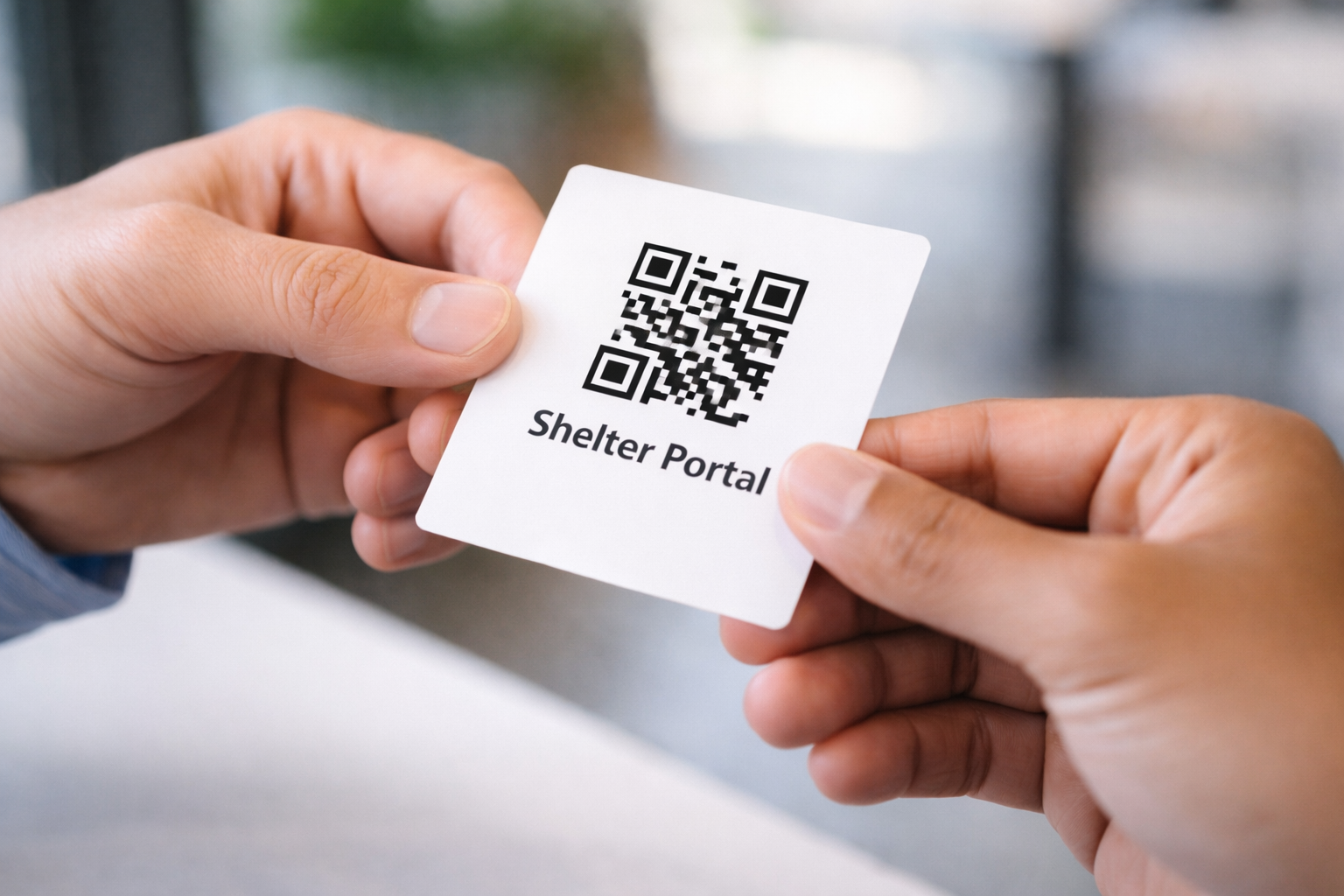
Print privacy-first QR cards for your guests. Each card contains only a unique ID—no personal information visible to anyone.
Guests scan their cards at kiosk stations. Data is captured instantly, reports generate automatically, and you get the insights you need.
See how Shelter Portal transforms daily operations in under 2 minutes. From check-in to reporting, watch the complete workflow.
For QR code scanning functionality, a 2D Scanner is required. However the platform is entirely useable without QR codes at all.
QR cards contain only a unique ID number—no names, addresses, or personal information. Guest details are stored securely and encrypted, accessible only to authorized staff with proper permissions.
Yes! We provide automatic syncing from SalesForce for your clients.
This platform was designed for full customization, with the ability to disable or enable any features provided to best fit your needs.
Of course you can, shelterportal gives the option for generating new QR codes or linking existing QRs. Or you can disable QR codes entirely and use the platform completely QRless.
Yes! All plans include onboarding training. Professional and Enterprise plans get personalized training sessions. We also provide video tutorials and documentation.